
Recording your DJ sets is important for every DJ, whether you are building an online portfolio of your work to share with venues or clients or just to listen back to in order to make improvements for future, there will be a need to record your sets at some point through your DJing journey.
If you are wondering the best way to record your set, you have come to the right place.
Directly In Your DJ Software
Regardless of what software you are using, there will be a way to record your DJ set directly. This is the simplest and easiest way to capture your set as it’s a case of hitting record to start and again to finish. You will then have a file which you can save.
There is one major drawback of this approach and impacts DJ’s who are using streaming platforms. As you don’t own the music you are DJing with, you will not be able to record directly in your DJ software.
There are ways around this though- read on to find out!
2. Using an external audio interface/ audio recorder
There are many interfaces out there that can help you. Popular brands for recording DJ mixes include irig, Howler, Evermix or Tascam. These work by connecting directly to your DJ mixer taking audio from the master output/ rec out port and then capturing the audio either in a piece of software or with some devices, directly via an onboard SD card or internal memory. The device effectively allows you to get a clean audio signal of high quality directly from the mixer.
Popular software to capture mixes in conjunction with your audio interface if you can’t save your mix locally include Audacity or the DJM Rec app.
This combo is great for both recording mixes and is also popular for DJs who wish to live stream too. If you go for something like a Tascam recorder, you can also capture some of the crowd reactions via the onboard microphones for that natural sound.
As you are routing the audio via an external device you can use this method to record mixes including both streamed and owned tracks.
3. The DJM Rec app.
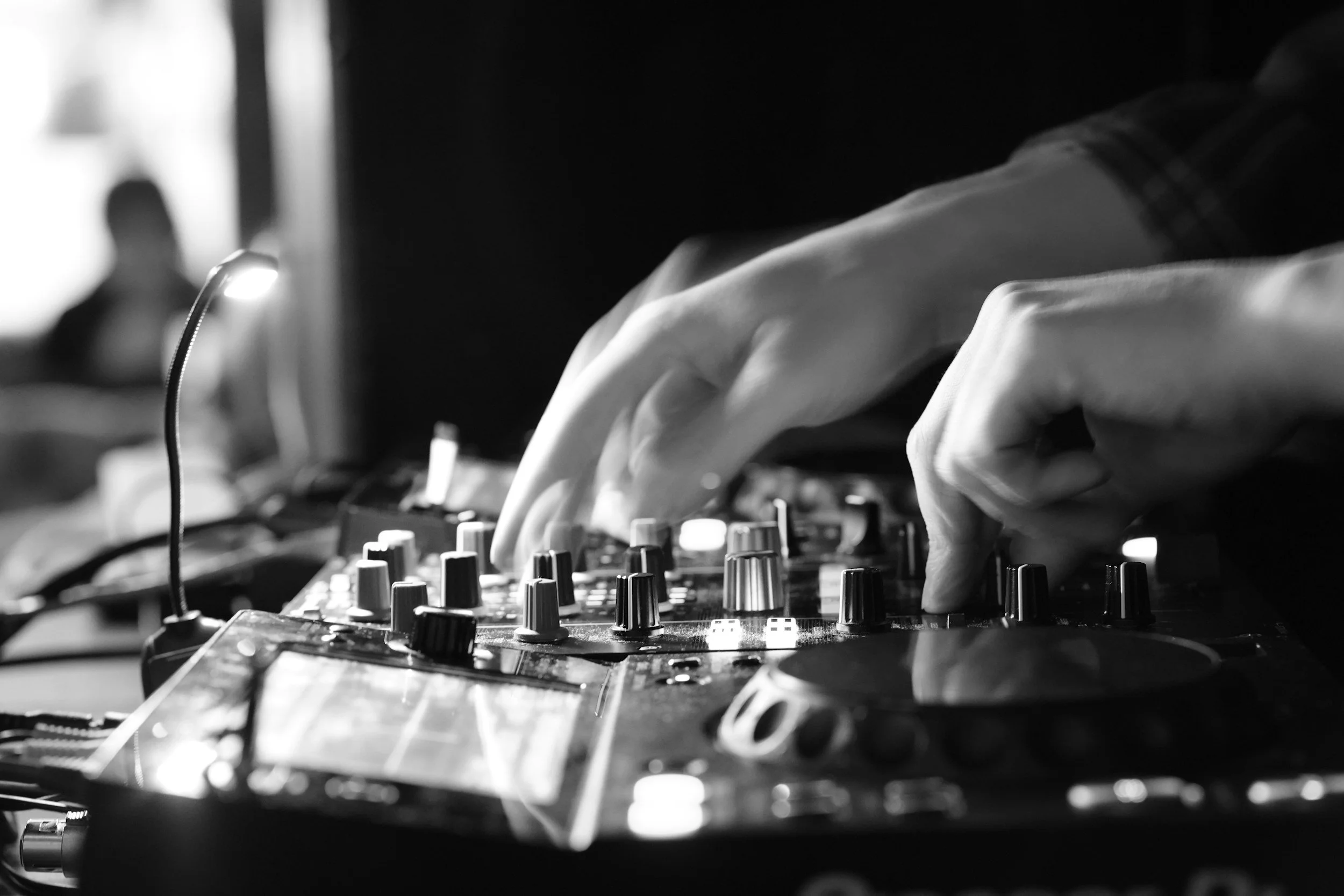
If you are using a Pioneer DJ mixer- you can download the DJM rec app onto your phone for a one off low fee and record your mixes directly into this app by connecting it via USB into your DJM mixer.
It works seamlessly and is ideal if you are already in the Pioneer Ecosystem for a no fuss, easy way to record your DJ mixes.